
BIZLEEN · Google reviews
A thank-you in their language, a review on Google.
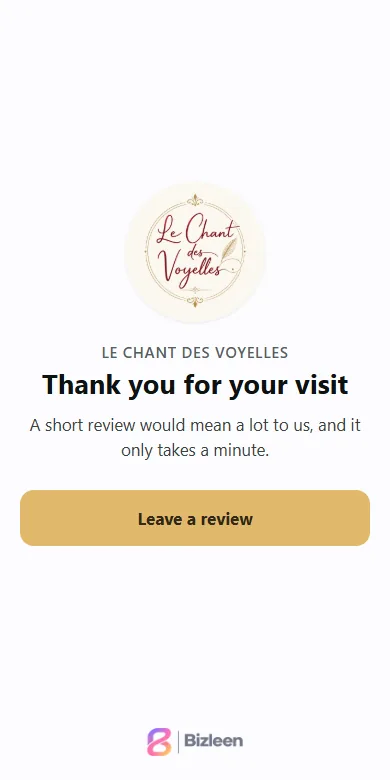
Your guest scans the QR code on the spot. The page thanks them in their phone’s language and takes them to your Google listing.
From the Presence plan.
How it works
From the QR code to your Google listing.
- You place the QR code. On your tables, at the till or on the receipt.
- The customer scans it. The page thanks them in their language.
- They arrive on Google. A button takes them to your Google listing.
28 languages. The right one is chosen automatically.
The evidence
Le Chant des Voyelles, in six weeks.
9601,124reviews, from late August to early October
+ 164reviews in six weeks
3.63.9Google rating
Le Chant des Voyelles, figures taken from its Google listing at the end of August and the beginning of October 2026. Example shown with permission, with no guarantee of similar results.
Plainly
What is true, simply.
- All your customers go to Google.The page does not sort anyone by their rating.
- Your rating also shows on your card.If you wish. It updates by itself.
- You see the scans and the clicks.How many people scanned, how many clicked through to Google. Without knowing who left a review.
- After an online booking too.The customer is invited to leave a review. From the Business plan.