Skip to content

For the shop window, the flyer, the vehicle

A QR code in your colours, ready for the printer.

You compose your QR code, you choose where it leads, you take it away in large format or as a vector file. Open to all plans, the free one included: on a free card, the code carries the Bizleen brand.

01 / QR codes and links

In your colours, not everyone’s black and white.

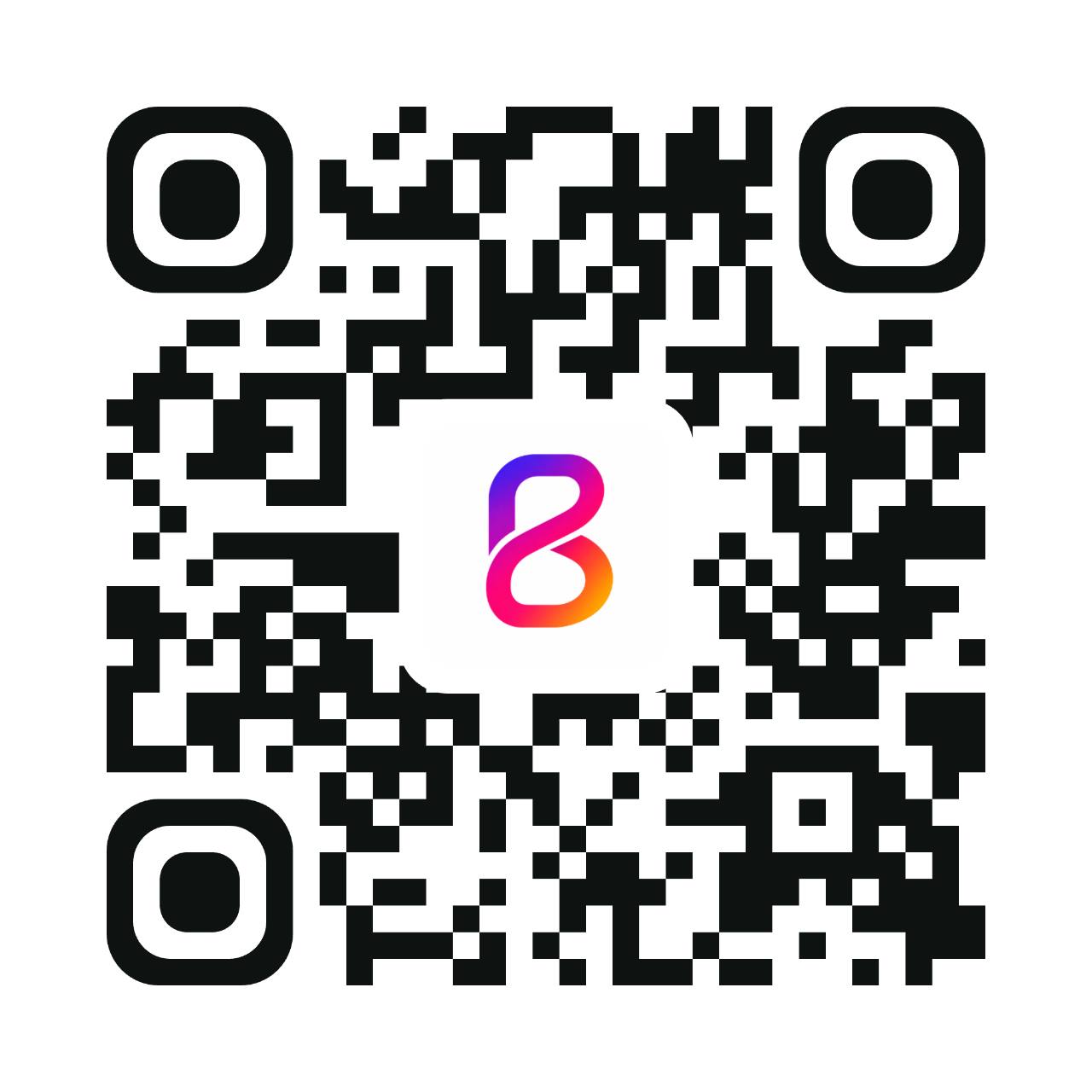
JoïaDemonstration QR code, safe destination.bizleen.com/demonstration-carte?carte=joia-institut
Your colours, your patterns, your corners, your background

Your house colour, the shape of the modules, the corners, a light or dark background, your image at the centre. Three starting presets await you depending on where the code will go: the receipt, the shop window, the flyer. And if your colours make the code too pale to be read, the screen tells you before export and suggests the closest shade that passes.

  • Your image at the centre on a paid plan, the Bizleen brand on the free one

  • Contrast is measured on screen; print size, for its part, is tested on a sample before the print run

02 / QR codes and links

Large format, and sharp.

An image file for a flyer or a table tent

The image comes out large enough for a flyer or a table tent. The vector file, for its part, draws the code as lines rather than pixels: blown up to three metres on a shop window, its modules stay sharp. Your printer will know what to do with it. And whatever the medium, the same code always opens your up-to-date card, the one you will have changed in the meantime.

  • A vector file for a shop window, a vehicle, a sign

  • A short address behind the code, so it stays readable even printed small

03 / QR codes and links

Paste your links where your customers look for you.

The address is ready, a button copies it, nothing to type by hand

Your Google listing, your bio, your Facebook page: each of these places gets its own address, and each one arrives tagged. So you will know which of the three brings you people, instead of guessing.

  • Google, Instagram, Facebook: each medium lands on its own line

  • The code can open your dishes, your services or your reviews directly, not only the top of your card

QR codes and links is waiting for you in your space.

This link opens your Bizleen space and asks you to sign in, with your card already loaded.

Open QR codes and links ↗

Before you sign up

Your questions, simply.

How long is it free for?

What it costs

No end date. Not fourteen days, not three months: €0, and no bank card is ever asked of you, not at sign-up and not later. The other side of the deal is visible to the naked eye: the Bizleen brand stays displayed on your card, on its QR code and on the email signature it builds for you. Paying makes it go away, and that is all it changes.

Does my customer have to install an app?

How it works

Nothing to install, for them or for you. They point at the QR code with the camera already in their phone, your card opens on their side, they tap Add to contacts if they want to. The QR code opens your card, it does not save anything on its own: that is their move. iPhone and Android alike, with no account to create.

How long before my card exists?

How it works

The time it takes to type your name and choose your address. You add your photo, your number and your links whenever you want: nothing is blocked until everything is filled in. What takes time is not the card, it is the content that comes afterwards: detailing thirty or so services with their durations and prices takes an evening, sometimes three.

All the questions ↗

The first step is simple

A business to share.
A card to start with.

Publishing remains an explicit decision, after you confirm your email address.